Overview
Welcome to the Intranet!
Your one-stop-shop for internal communication and collaboration.
It's where you'll find all the department documents, employee directory & resources, and updates you need to stay connected and productive.
Below are some answers to your burning questions!
1. WHAT IS THE INTRANET?
Different from the internet, a company intranet is a private network that is accessible only to employees of a particular organization. This is internally-facing only and will not be publicly available or accessible on the internet.
2. How do i login and access it?
Quick and easy! Within the VPN, you will be logged in automatically with Single Sign On - like magic. Outside of the firm VPN, you also have access to the intranet from the login credentials provided.
You will receive a login and password sent via email to you.
Next, go to - https://www.singletonschreiber.com/intranet/
*Don't forget to bookmark the link above!
3. what IS IT for?
It serves as a centralized hub for internal communication, collaboration, and information sharing within your Department and the employees spread throughout the offices of Singleton Schreiber.
4. Why should i use it?
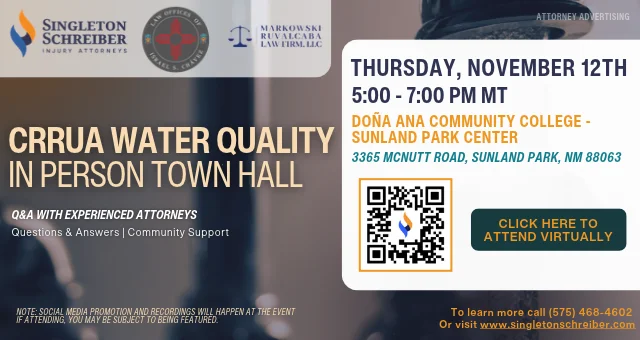
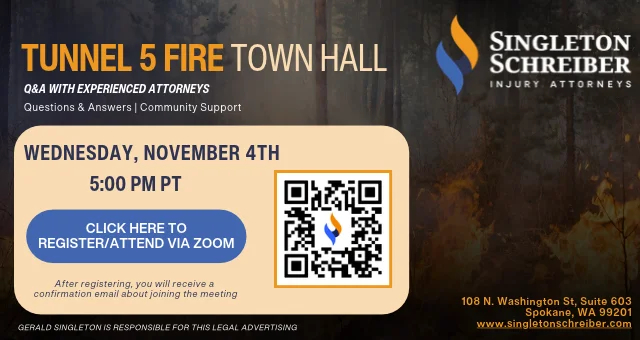
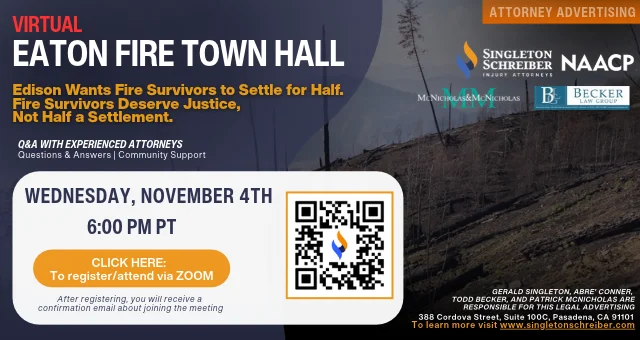
As an employee of Singleton Schreiber, using our firm's intranet means having everything you need right at our fingertips - from important updates and documents to easy ways to connect and collaborate with colleagues. It keeps you in the loop with company news, events, campaigns, town halls, employee spotlights, and ensures we're always up-to-date and engaged, making our work life easier and more productive.
5. when should i be checking it?
You should check the intranet regularly, especially at the start and end of your workday, to stay updated on any new announcements, documents, or tasks.
6. How can I upload department updates & documents?
Submit your request through the Marketing Requests Form and select “Intranet Request” as the request type. From there, provide the details and any documents needed for your department update.
7. can i change my bio info & photo?
Yes! Submit your requested changes through the Marketing Requests Form and select “Intranet Request” as the request type. From there, select “Bio Update” and provide the information you’d like updated.
Who to Contact Have a request? Please use the request form instead of email so it gets tracked and assigned. For questions, send them to the right inbox: ▸ Website or intranet updates (bios, links, pages, photos): Web@singletonschreiber.com ▸ Town halls: Townhalls@singletonschreiber.com ▸ Everything else marketing: MarketingTeam@singletonschreiber.com |
Employee Resources
Employee Resources
Everything you need to do your job, in one place.
Quick access to firm tools, policies, and resources designed to support you in your day-to-day work at Singleton Schreiber
quick actionsWhat do you need to do right now?.
|
POLICIES, COMPANY INFORMATION, AND RESOURCES
Learn how the firm operates and what to expect.
STANDARD OPERATING PROCEDURES >
Step-by-step guidance for firm processes and workflows.
MISSION AND VALUES (2025) >
The principles and commitments that guide our work and culture. *2026 statement coming soon!
SSLLP STRATEGIC PLAN (2025) >
Firm priorities, objectives, and long-term direction. *2026 plan coming soon!
BENEFITS GUIDE (2026-2027) >
Employee Benefits Enrollment Guide.
MARKETING/BRANDING RESOURCES
Access approved marketing materials, brand guidelines, and resources to support firm communications and outreach.
SUBMIT A REQUEST TO MARKETING >
Complete the form to request marketing support.
ACTIVE MARKETING CAMPAIGNS >
A list of current firmwide campaigns by case and practice area.
FIRM LETTERHEAD TEMPLATES >
Official branded letterhead templates for firm communications.
OFFICE GOOGLE REVIEW PAGES >
Google review links for each office to collect client reviews and support firm reputation.
BRANDING GUIDELINES >
Standards for logo usage, messaging, and visual identity.
BRANDED POWERPOINT TEMPLATE >
Approved presentation template for internal and external use.
ZOOM & TEAMS BACKGROUNDS >
Branded virtual backgrounds for video meetings.
WORK TOOLS AND SYSTEMS
Access the firm’s core tools and systems used to support daily work and operations.
SINGLETON SCHREIBER UNIVERSITY >
Training resources and professional development opportunities.
FILEVINE >
The firm’s case management platform.
WESTLAW >
Legal research and reference tools.
TEAMS TIPS >
Guidance and best practices for using Microsoft Teams.
MESSAGE BOARD >
Firmwide announcements and internal updates.